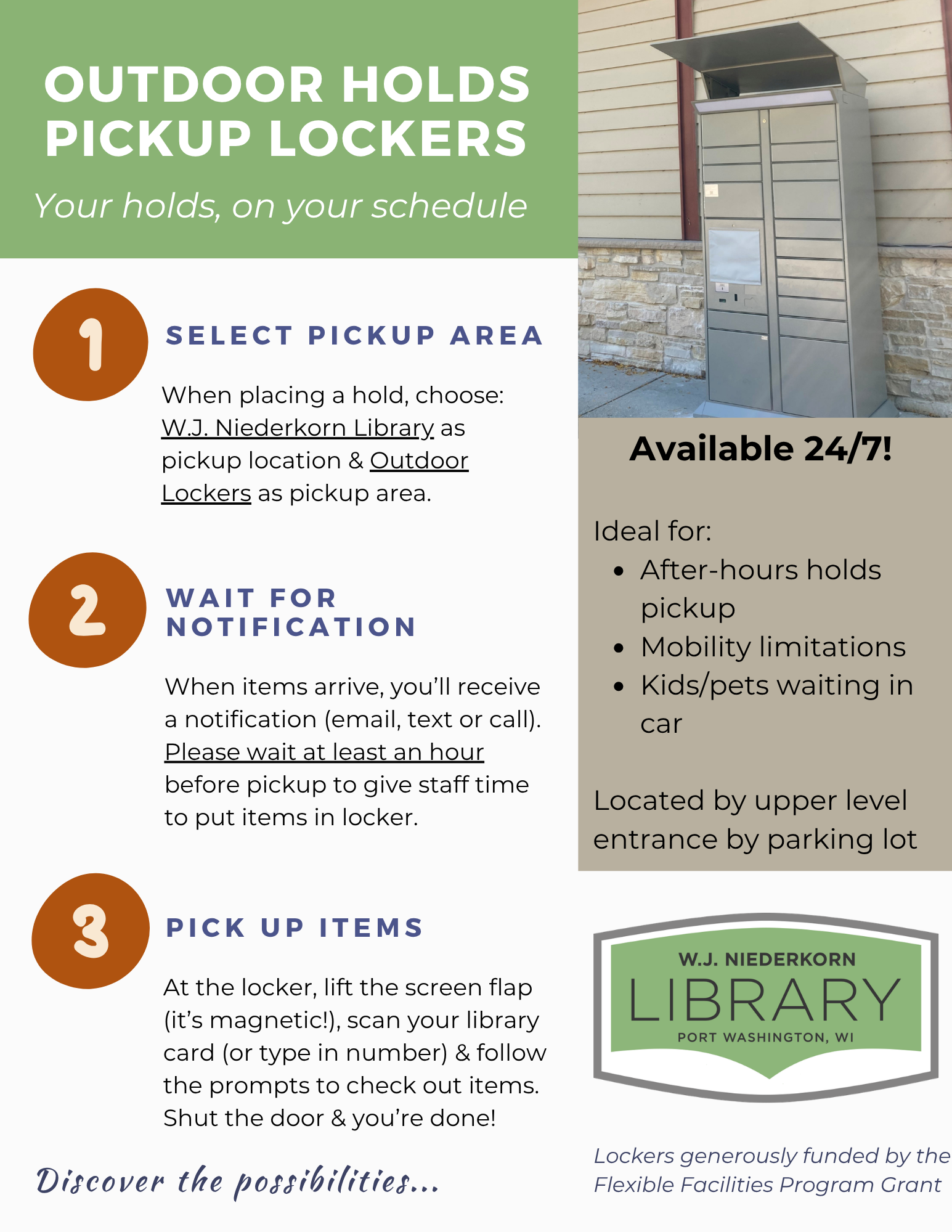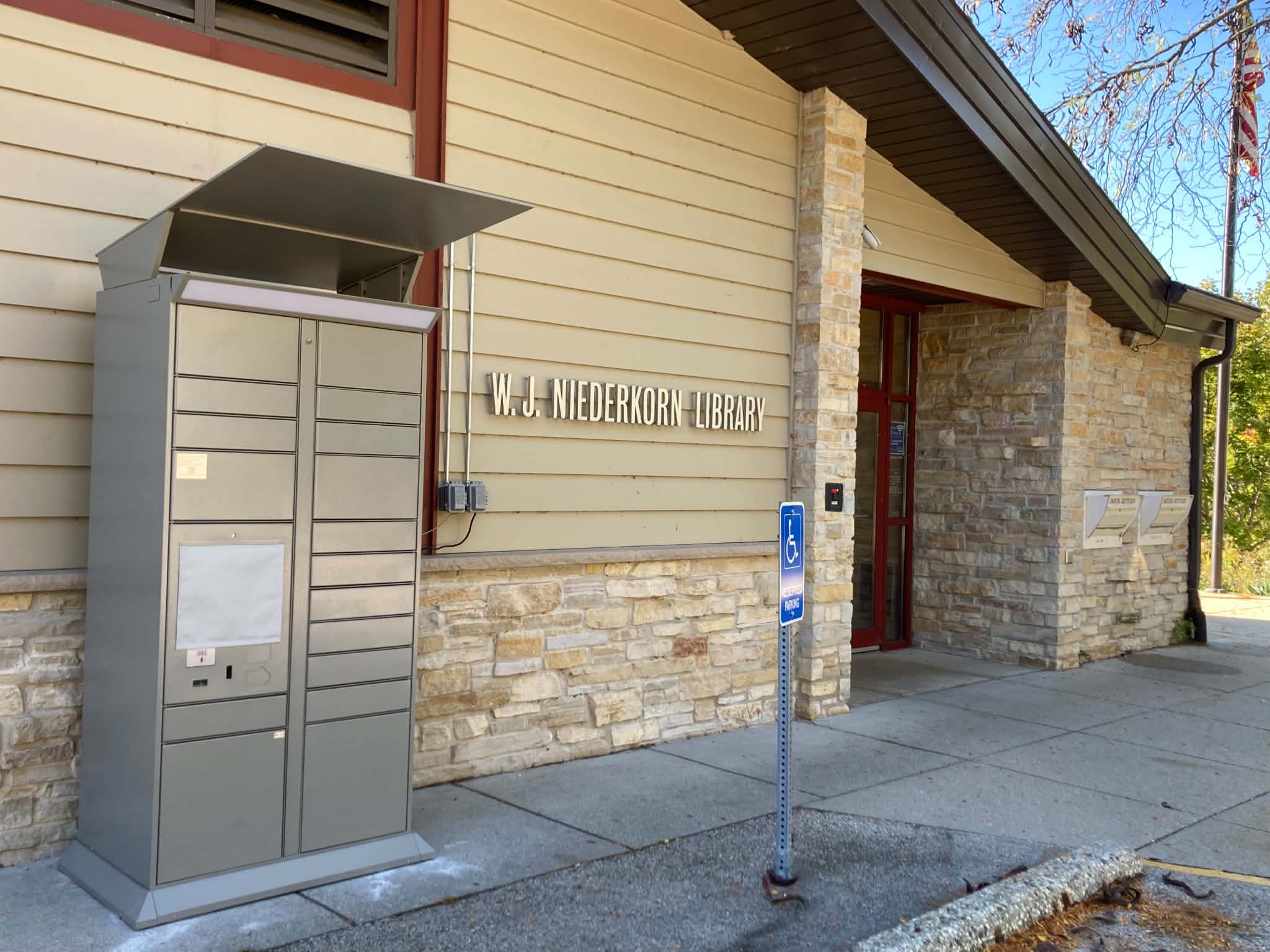
We are excited to offer a new feature for holds pickup! You can now pickup items at our outdoor lockers as a secondary option to the main indoor holds pickup shelf. The Outdoor Holds Pickup Lockers are available 24/7! They are located next to the upper level main entrance by the parking lot.
These lockers are ideal for after-regular building hours pickup; folks who may have mobility limitations; patrons with kids or pets waiting in the car, and more.
In order to use the lockers, follow these steps:
- Select pickup area
- When placing a hold in Monarch Catalog or via the Monarch2Go app, select W.J. Niederkorn Library as pickup location and Outdoor Lockers as pickup area.
- Wait for notification
- When your items arrive at our library, you’ll receive a notification (email, text, or phone call). Please wait at least an hour before stopping by to pickup in order to give staff time to put your items inside the locker.
- Pick up items
- At the locker, lift the screen flap on the left side (it’s magnetic!), scan your library card (or type in your number manually), and follow the prompts on the screen to check out your items. Take your items, shut the door, & you’re done!
We were able to add these lockers thanks to the generous funding from the Flexible Facilities Program Grant.
Questions? As always, ask library staff in person, give us a call at 262-284-5031, or email us at infowjnlib@gmail.com.